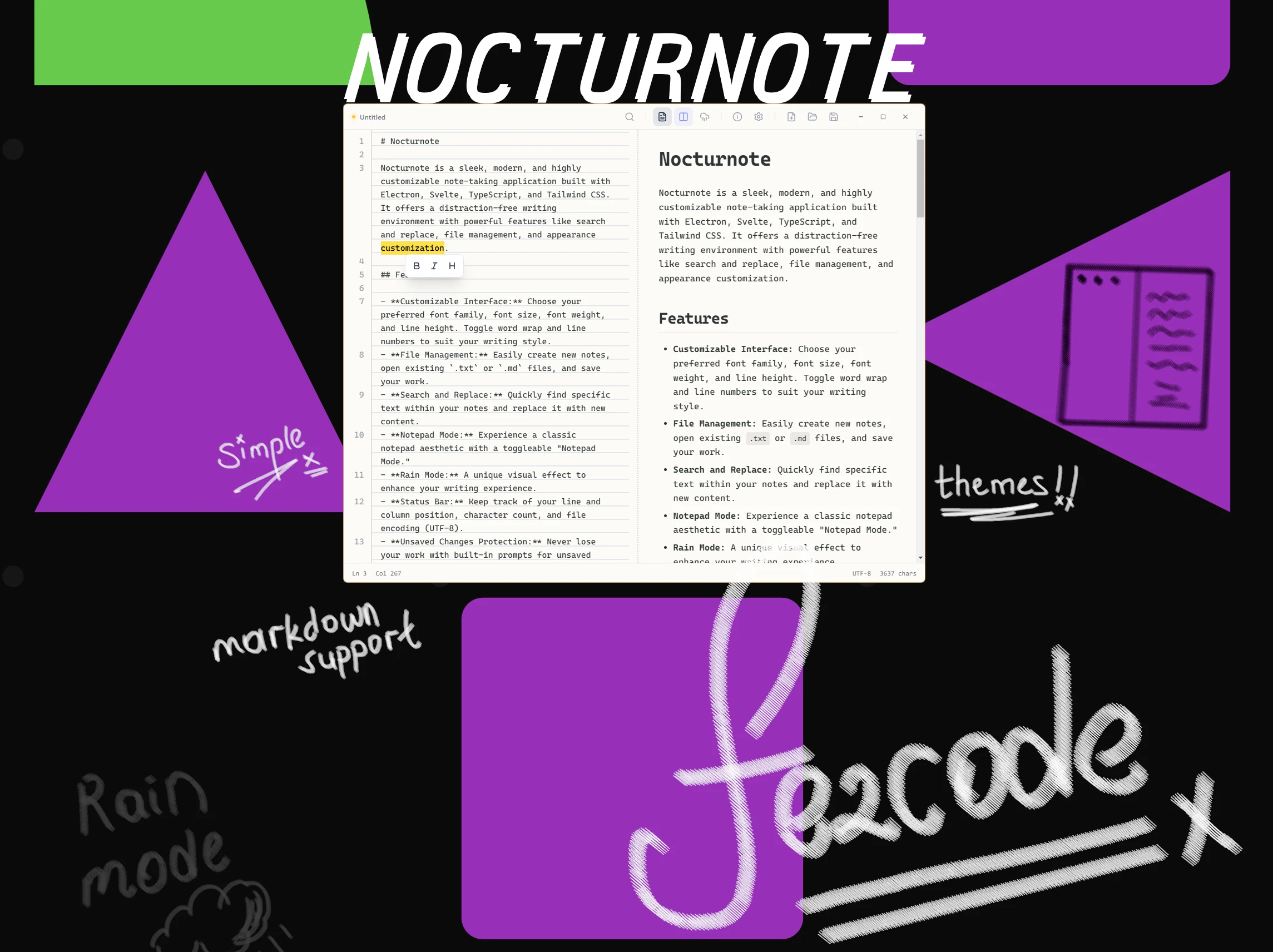
Nocturnote is a sleek, modern, and highly customizable note-taking application built with Electron, Svelte, TypeScript, and Tailwind CSS.
Nocturnote is a sleek, modern, and highly customizable note-taking application designed for the minimalists who crave power. Built with the robustness of Electron and the agility of Svelte, it bridges the gap between a simple scratchpad and a full-fledged editor.
"A distraction-free writing environment that adapts to your state of flow, not the other way around."
Visual Showcase
Core Philosophy
Nocturnote was born from a frustration with bloated text editors. It focuses on:
- Immediacy: Opens instantly.
- Clarity: UI that recedes when you're typing.
- Flexibility: From a retro "Notepad" aesthetic to a cyberpunk "Rain Mode".
Key Features
- Customizable Typography: Fine-tune your font family, size, weight, and line height to match your reading preferences.
- Seamless File Management: Native support for
.txtand.mdfiles with auto-save capabilities. - Advanced Search: Regex-powered search and replace for power users.
- Visual Modes: Switch between a classic light aesthetic or the immersive dark mode with digital rain effects.
- Information Bar: Real-time stats on line/column position, character count, and file encoding.
Architecture & Tech Stack
Nocturnote leverages a modern stack to ensure performance and cross-platform compatibility:
- Electron: Provides the native desktop shell.
- Svelte: Delivers a reactive, DOM-efficient UI without the virtual DOM overhead.
- TypeScript: Ensures code reliability and maintainability.
- Tailwind CSS: Enables rapid styling and theming.
- Electron-Vite: A blazing fast build tool optimized for Electron development.
Getting Started
Installation
Ensure you have Node.js installed, then:
# Clone the repository
git clone https://github.com/fezcode/nocturnote.git

# Navigate to the directory
cd nocturnote

# Install dependencies
npm install
Development
To start the app in development mode with hot-reloading:
npm run dev
Building for Production
Create distributable binaries for your OS:
# Build for all platforms
npm run build

# Or specific platforms
npm run build:win
npm run build:mac
npm run build:linux